You can do independent study programming projects with me to learn virtual world/game programming and to learn some robotics, too. To do this for credit, you sign up for an independent study course (up to 4 credits each semester). You can sign up for independent study projects for more than one semester, and each one counts as a CS elective.
The ultimate goal of these projects is to create virtual world software that a real robot can use to understand its environment, by using its cameras to see the world, building a virtual copy of it, then "imagining" possibilities. The basic software to use for these projects is OGRE, a video game creation platform. It is available at www.ogre3d.org and runs on any operating system. There's also a useful wikipedia page for OGRE.
|
|
|
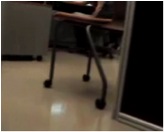
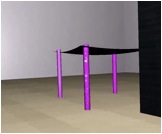
| The robot sees a chair | It creates a virtual chair |
One of the reasons we use OGRE is its ability to model physics in real time. There are two main physics plugins: ODE and PhysX. You need to use one of these to make the virtual world work, so that balls bounce, people can lean against walls, and things you throw in the air come back down. These are both documented in the OGRE docs. If you choose PhysX, there's also software to connect PhysX to OGRE called NxOgre.
To help in getting started writing physics code for games, here is a little student-written code for Windows that creates a soccer ball bouncing around in a room, and a short video of it running. For those using linux, here's a linux version of the soccer ball. There are some compatibility issues between operating systems, and NxOgre has not yet been ported to linux.
Since OGRE is a C++ library, you can write your code in C++ or in any language that can call C++. Also, you can use Java, because there is a package that wraps OGRE in Java, called Ogre4j.
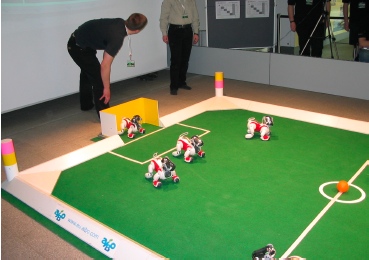
So you need to choose a world to create. It would be nice if the world could eventually be created in the real world so we could use the real robot, but it's not absolutely necessary. Virtual robots moving around virtual worlds are great, too. A few possibilities are:
|
|
|
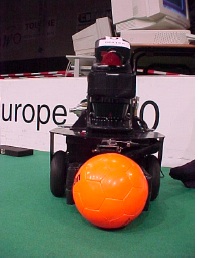
like the one in our lab |
|
Create your world in steps:
When you've got this done, we can connect this world to AI software to give your robot some brains, and see what it can do on its own in your virtual world. And if your world can be created in the real world, then we can do some computer vision and robotics work to connect the two worlds and see what the robot does in the real world.
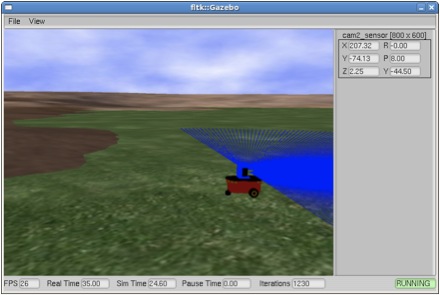
Other kinds of projects are possible, too. One student connected Ogre to Sphinx and Festival so he could talk with the robot and tell it where to go. This is a screenshot from his program:
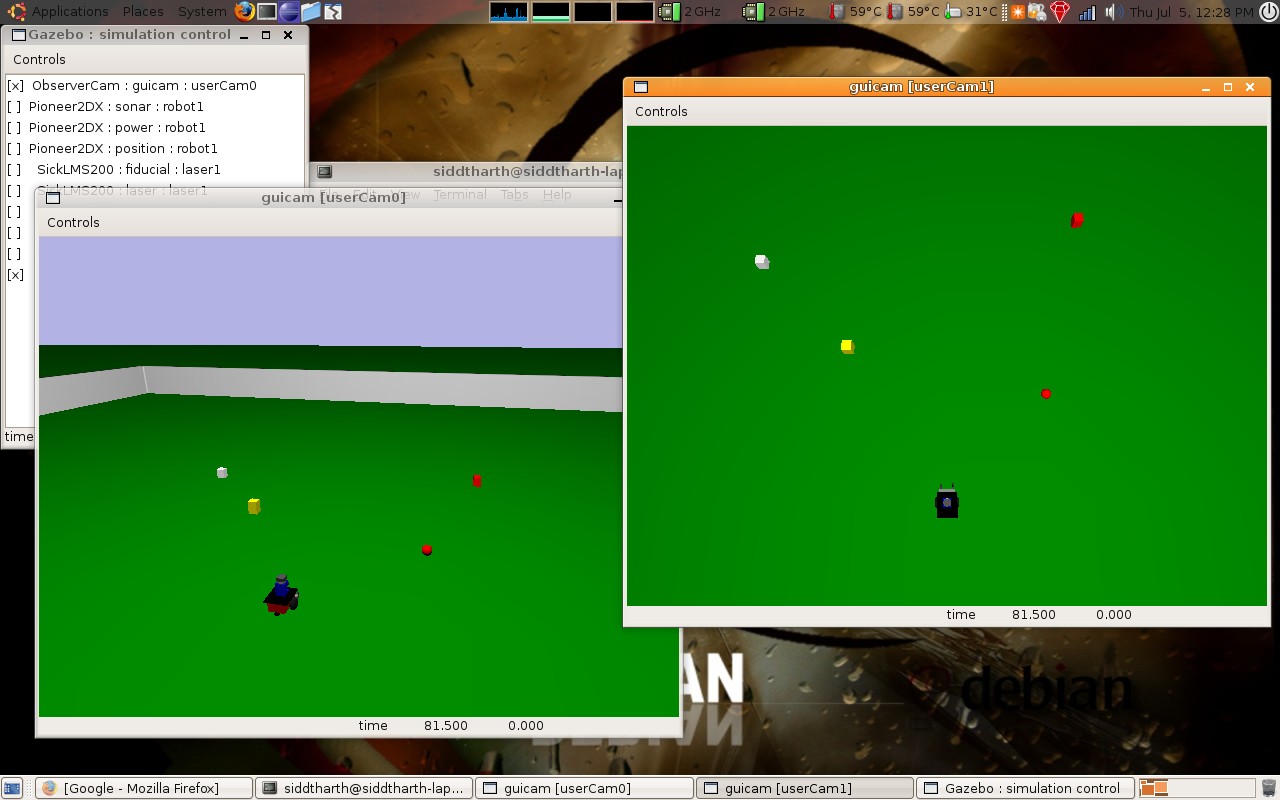
He could tell the little robot to go to blocks of different colors and sizes. If his instructions were ambiguous, the robot would ask him a question to clarify. Here's his master's thesis.